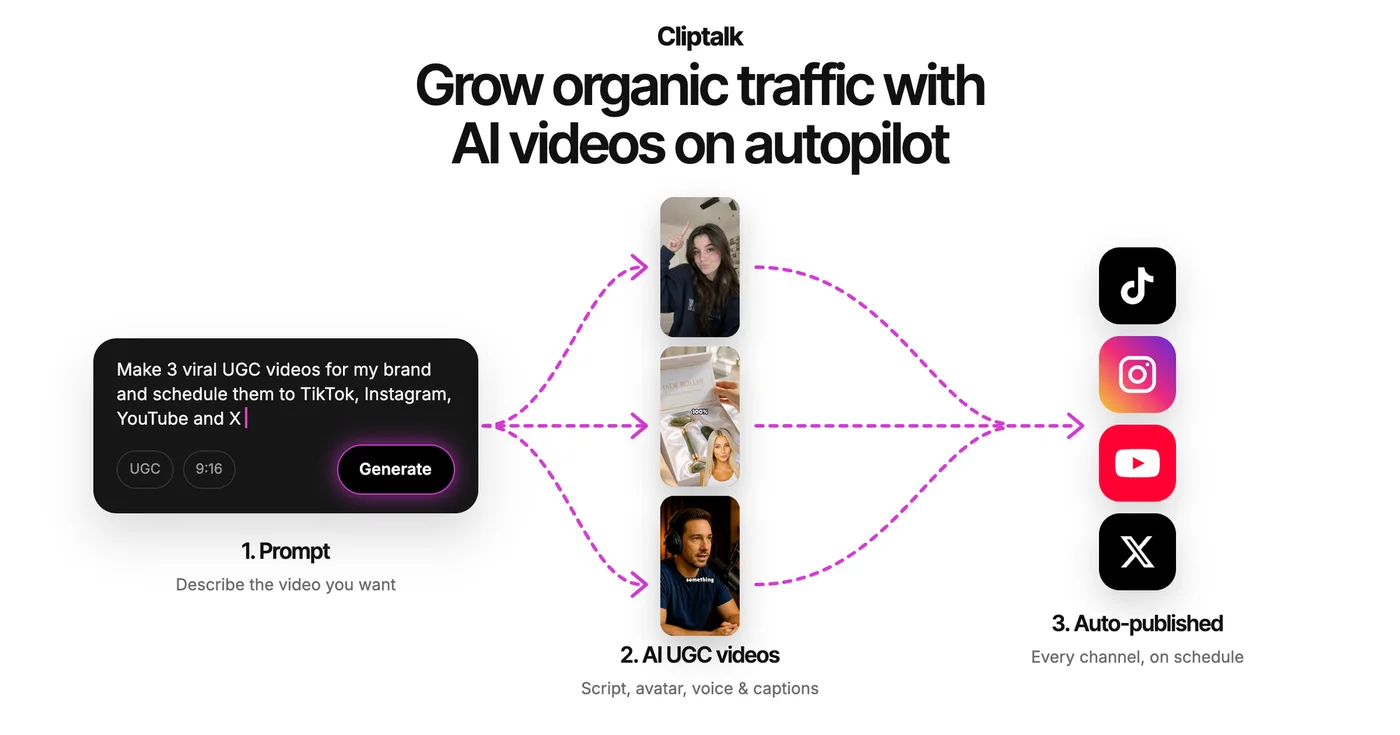
Overview
Cliptalk turns text and ideas into videos for YouTube Shorts, Instagram Reels, and TikTok. It generates narration, visuals, and captions, then lets creators edit scenes, scripts, styles, and audio. Credits pay for media generation; standard editing tasks do not consume them.
Our take
Cliptalk creates and edits social video from ideas, scripts and web content, with a genuine free credit allowance and monthly plans. Working from a URL is the strongest path here, because the source constrains the content rather than the model inventing it. Quality of output tracks quality of the source page closely.
Worth it if
Marketing teams repurposing existing written content into social video.
Look elsewhere if
Original creative video, where starting from source material provides no advantage.
✨ Features
Idea to Video
Builds a video from scripts, articles, and other written content.
AI Visuals & Voices
Generates supporting imagery, narration, and customizable scene styles.
Caption Editing
Adds editable subtitles and social-ready formatting.
AI Editing
Supports auto-editing and silence removal without generation-credit charges.
⚖️ Pros & Cons
Pros
Cons
💰 Pricing
Free
$0
- 500 starter credits
- Try AI video creation
- Limited initial allowance
Basic
$19 /mo
- 3,000 monthly credits
- Approximately 15 videos
- High-quality AI models
Starter +
$39 /mo
- 8,000 monthly credits
- Approximately 40 videos
- Unlimited editing
Pro
$59 /mo
- 18,000 monthly credits
- Approximately 90 videos
- Pro-quality models
Categories
❓ Frequently Asked Questions
How well does it work from a web page?
Well when the source is structured and specific — clear headings, concrete claims, short sentences. Poorly when the page is long and discursive, because the model has to choose what matters and tends to choose evenly. Tidying the source first is usually faster than fixing the output.
What do 500 free credits actually cover?
Enough to produce a few videos and judge the workflow, which is a genuine evaluation rather than a demo. Spend them on your real content rather than a test topic — the thing you learn is whether your source material produces good output, which a generic test will not reveal.